
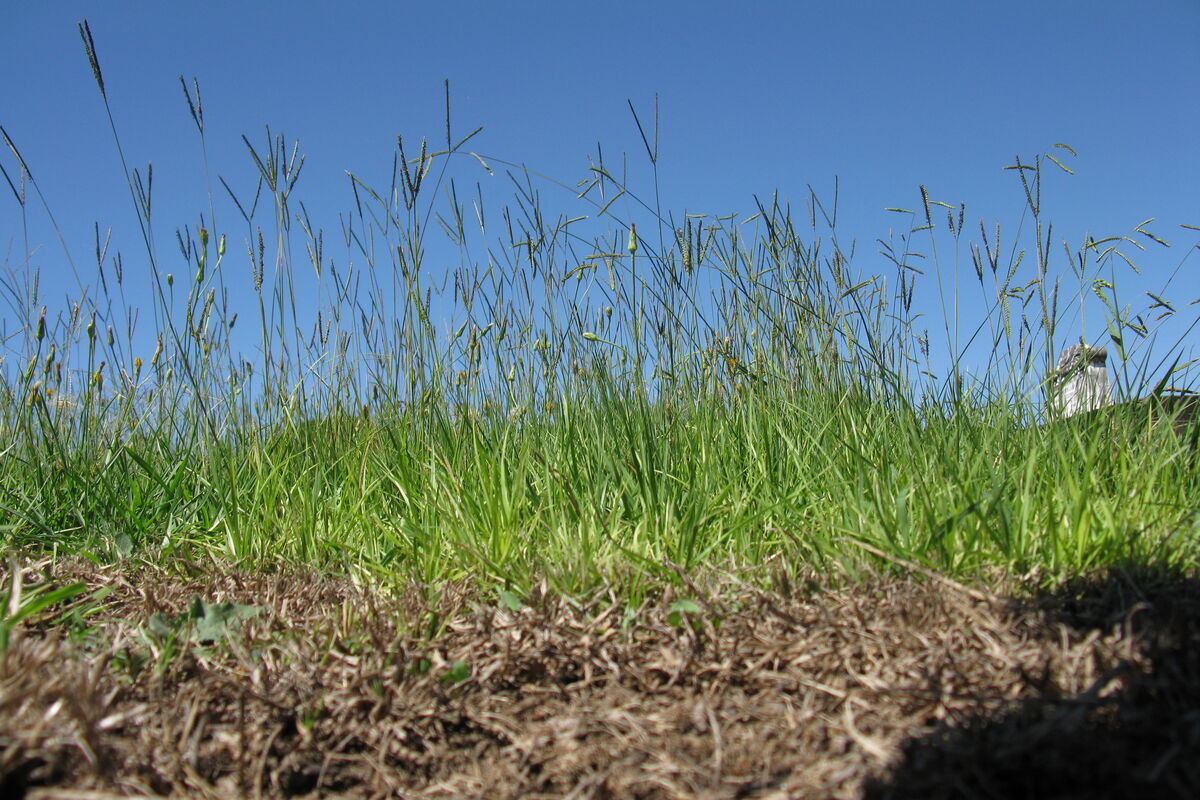
Bahia
Low-input warm-season turfgrass. Tolerates poor sandy soils.
About five minutes. Leave any time; your progress is saved on this device until you apply it at the end.
A zone is one watering district: a chunk of yard tied to one valve. LocalSky asks for grass species, soil texture, area, sprinkler type and measured precipitation rate, then computes ETc from local weather, tracks soil depletion with the FAO-56 single-bucket model, and only fires when depletion crosses the species-specific MAD threshold.
No zones yet. Add your first watering zone to get a real schedule; you can add more or edit them anytime under /settings/zones.
When a zone needs cycle-and-soak treatment, LocalSky normally waters other zones during the soak pauses so the morning sequence finishes sooner. A well or other low-recovery supply uses those idle pauses to rebuild pressure between runs, so tell LocalSky what feeds your sprinklers.
Each species has its own seasonal Kc curve, root depth, and management allowable depletion. Pick the closest match; per-zone overrides for root depth and MAD are available under /settings/zones.
Low-input warm-season turfgrass. Tolerates poor sandy soils.
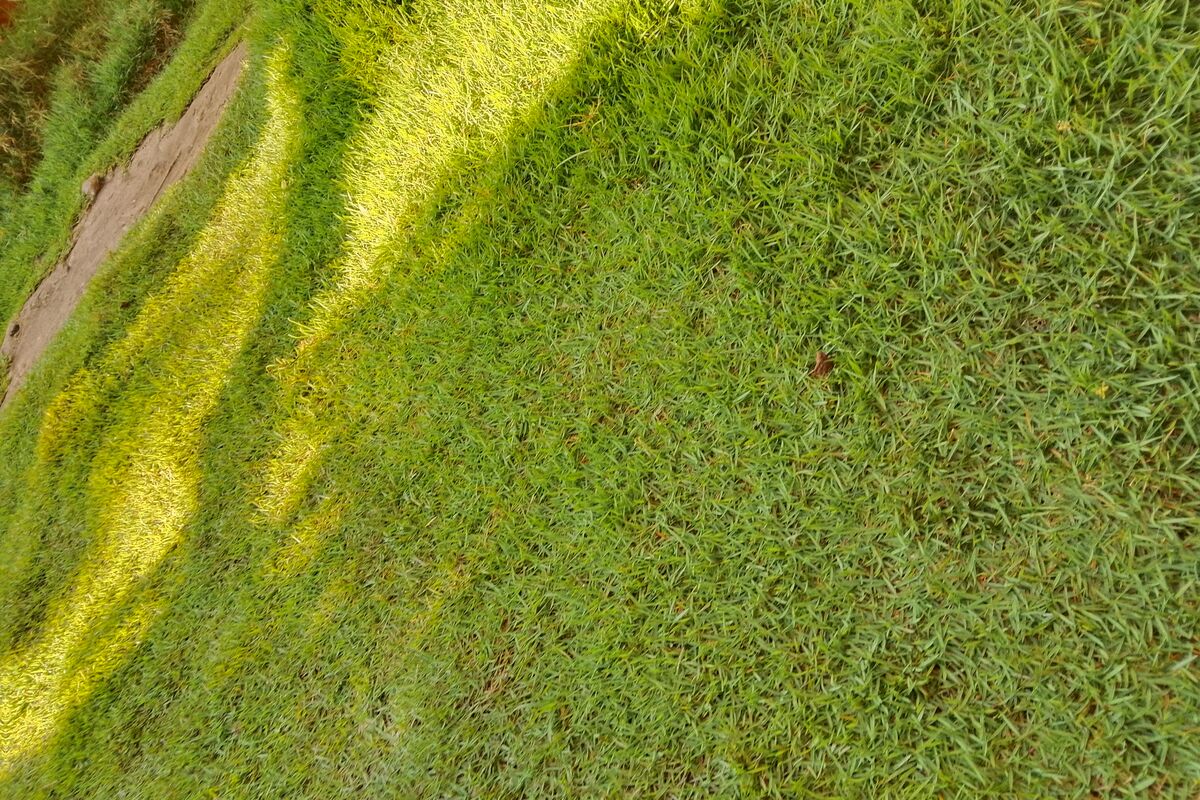
Aggressive warm-season turfgrass (Couch in AU/NZ). High wear tolerance, full sun.
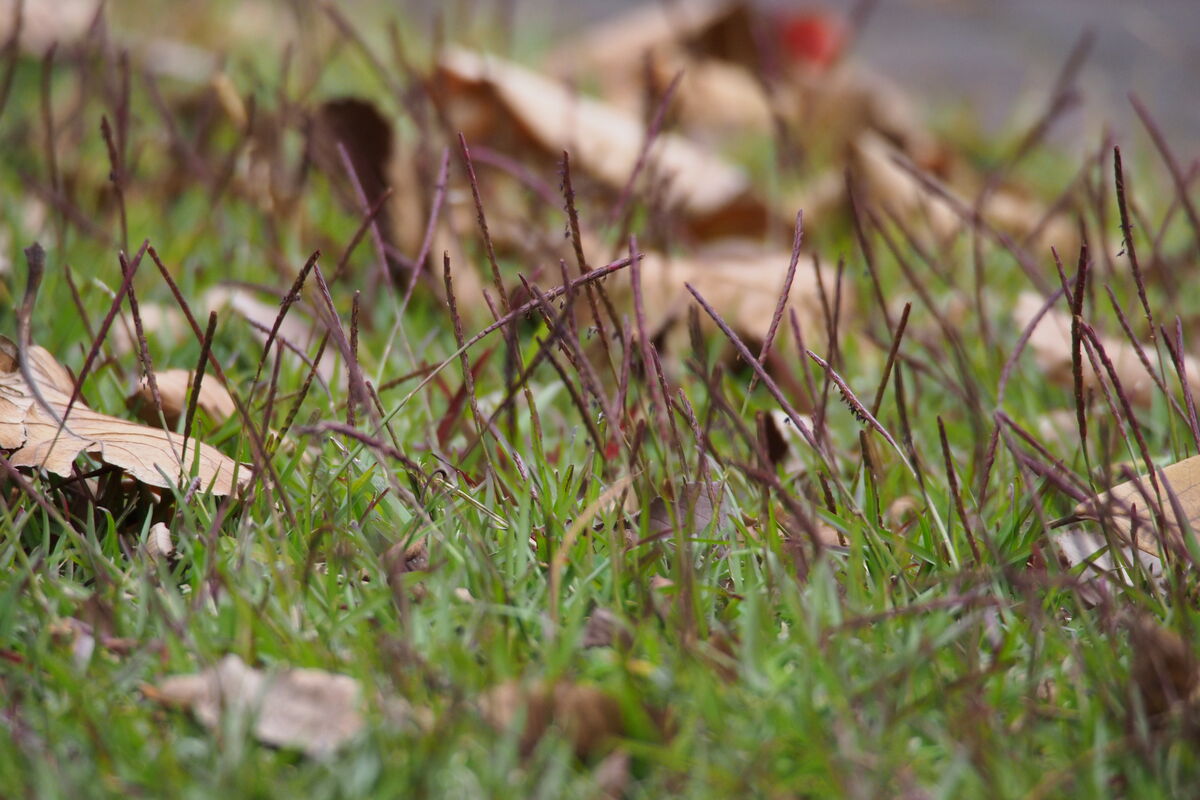
Acidic-soil warm-season turfgrass. Low fertilizer requirement.

Vigorous warm-season runner; a staple in AU / NZ / ZA.
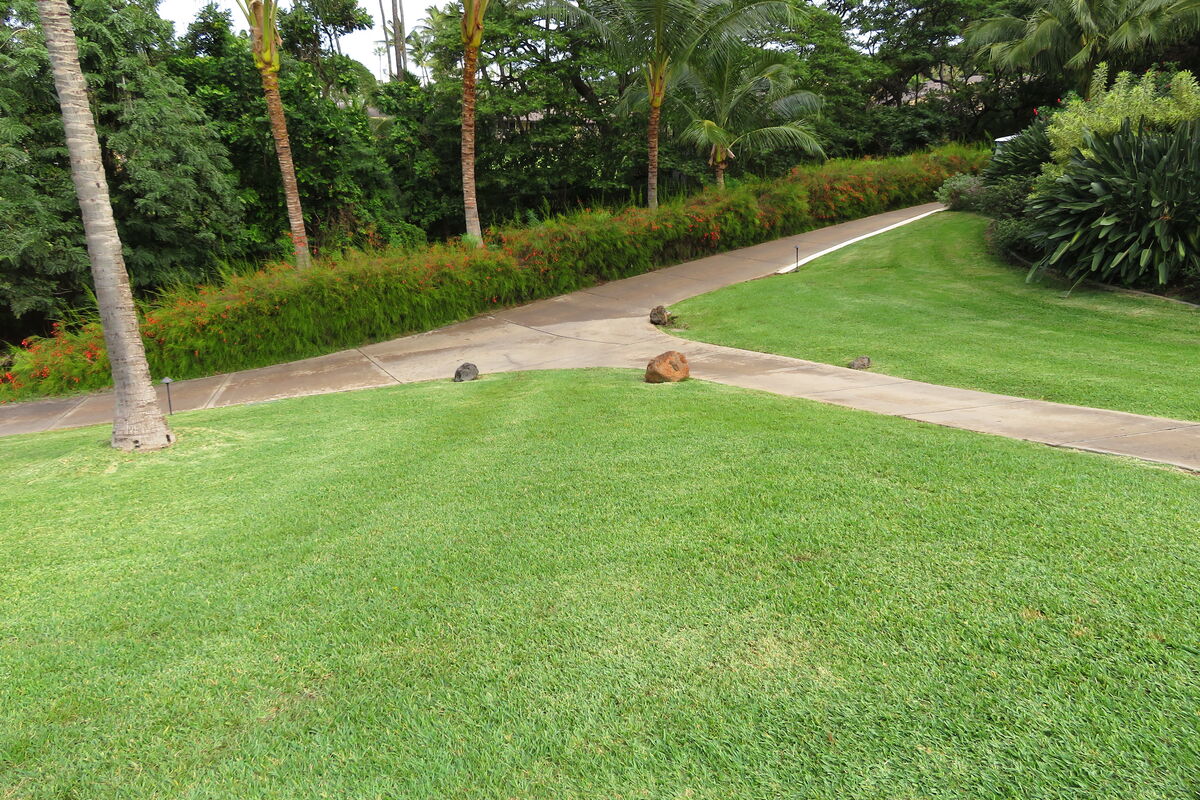
Dominant warm-season turfgrass of the US Southeast; sold as Buffalo grass in Australia/NZ. Coarse-textured, good shade tolerance.
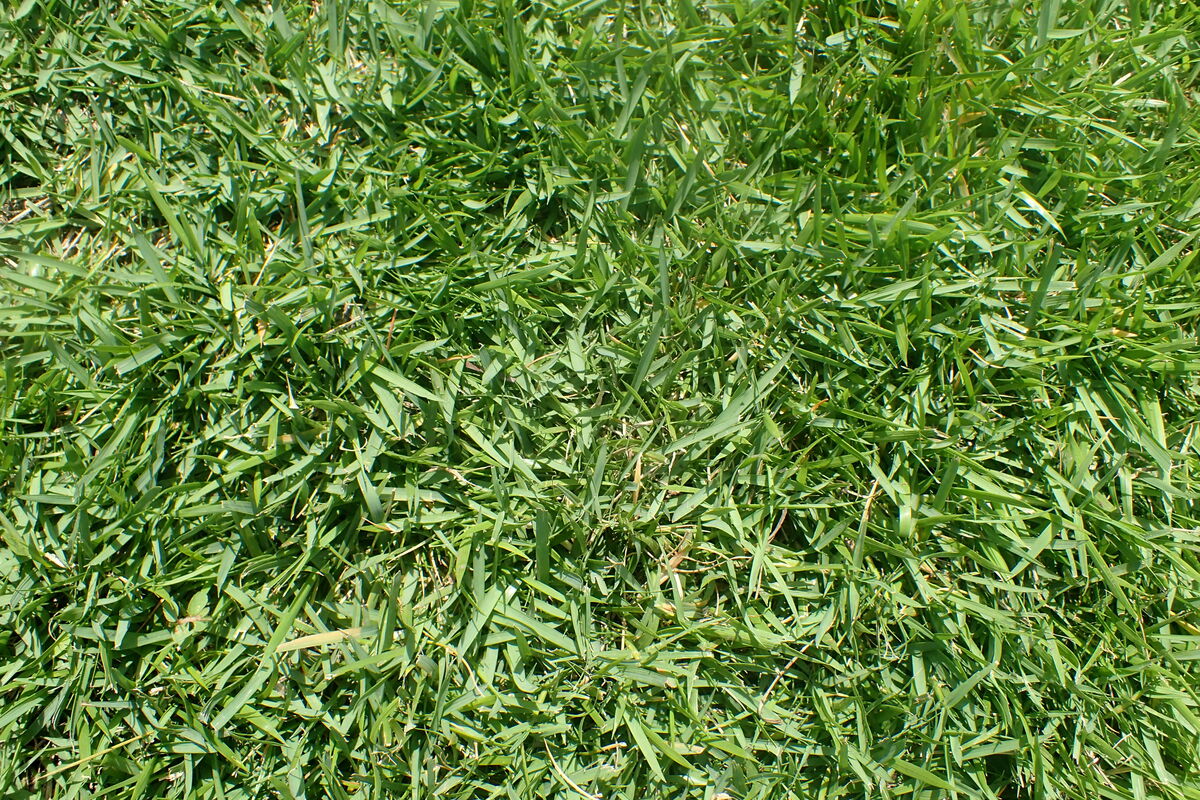
Fine-textured warm-season turfgrass. Slow to establish, drought tolerant.
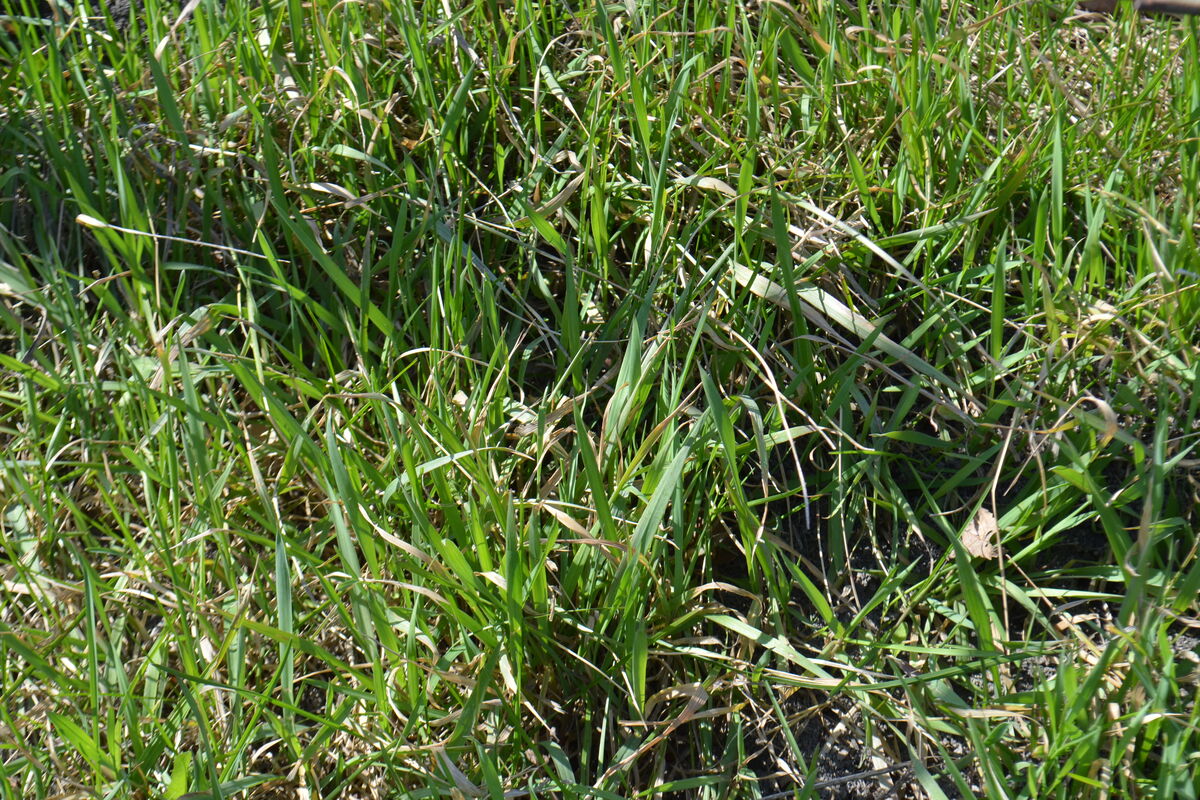
Cool-season turfgrass. Best fit for cool-temperate climates (northern US and Canada, northern Europe, NZ South Island).
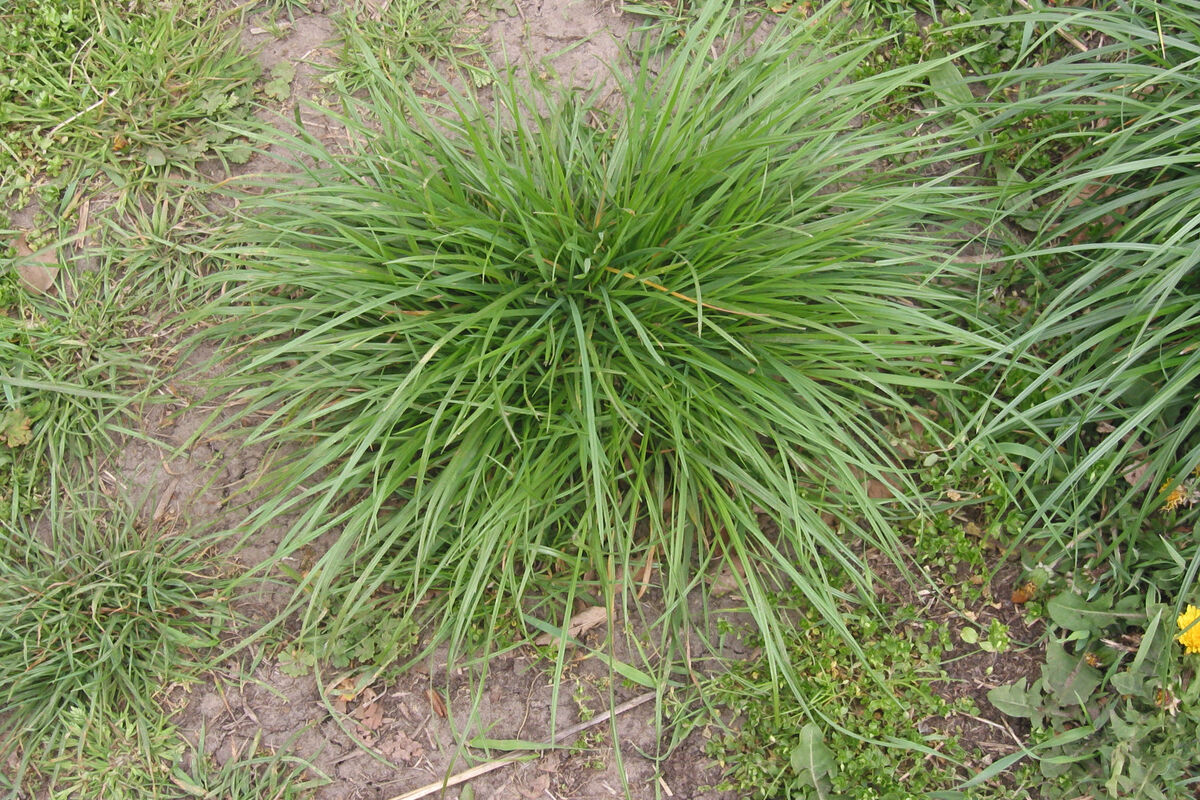
Cool-season turfgrass. Fast-establishing; often overseeded into warm-season for winter color.
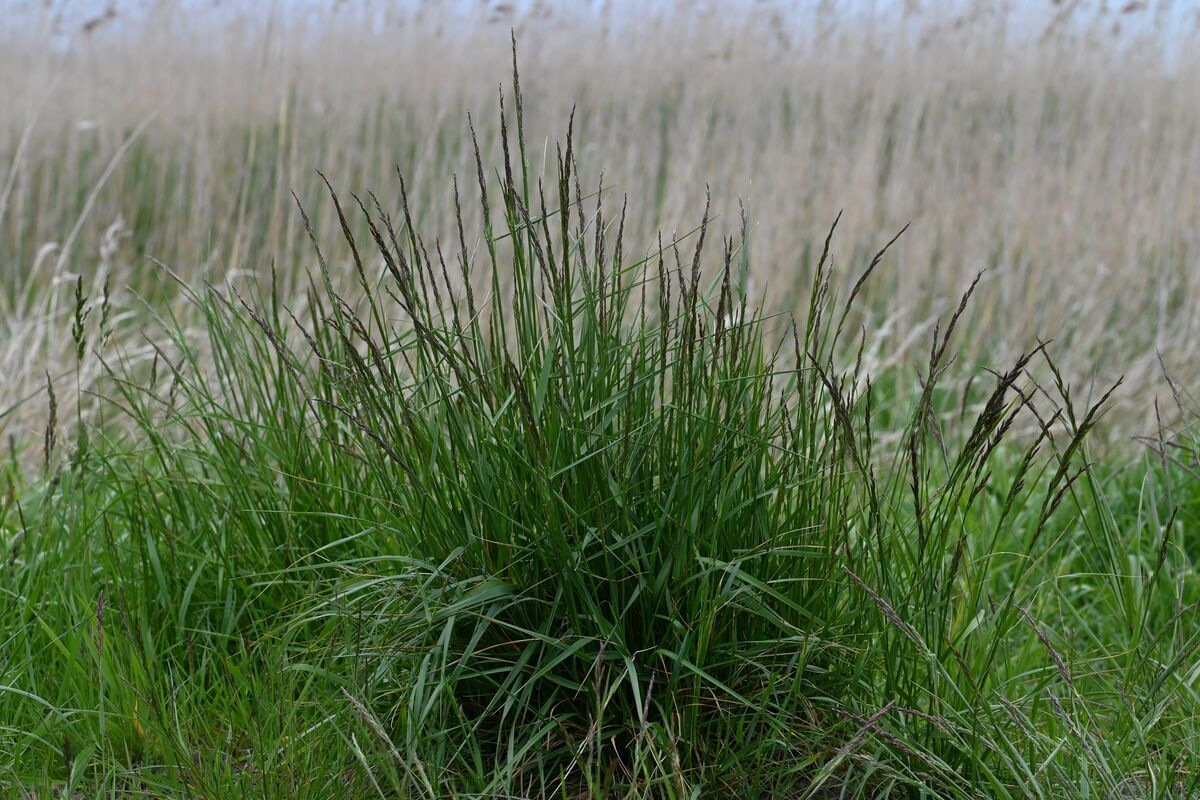
Cool-season turfgrass. Deep-rooted, drought-tolerant relative to other cool-season.
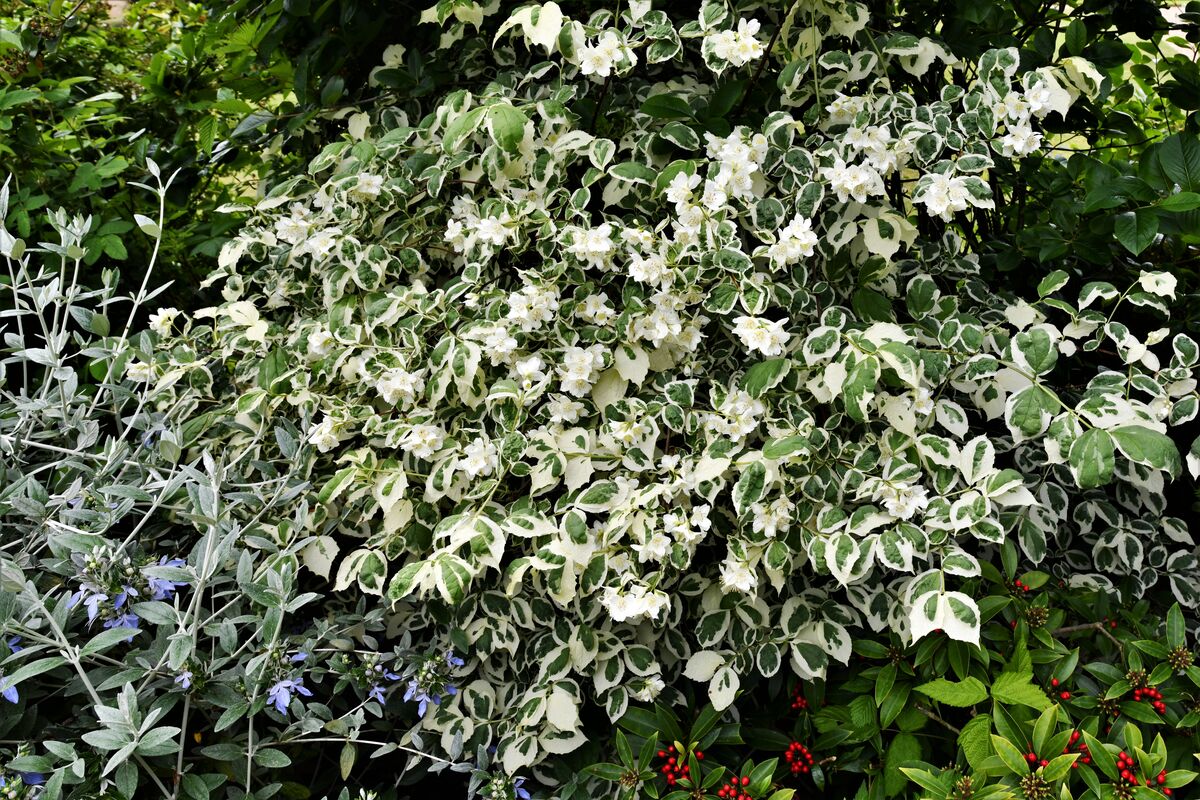
Mixed shrub bed. Drip or low-precip rotor preferred; less frequent, deeper waterings.
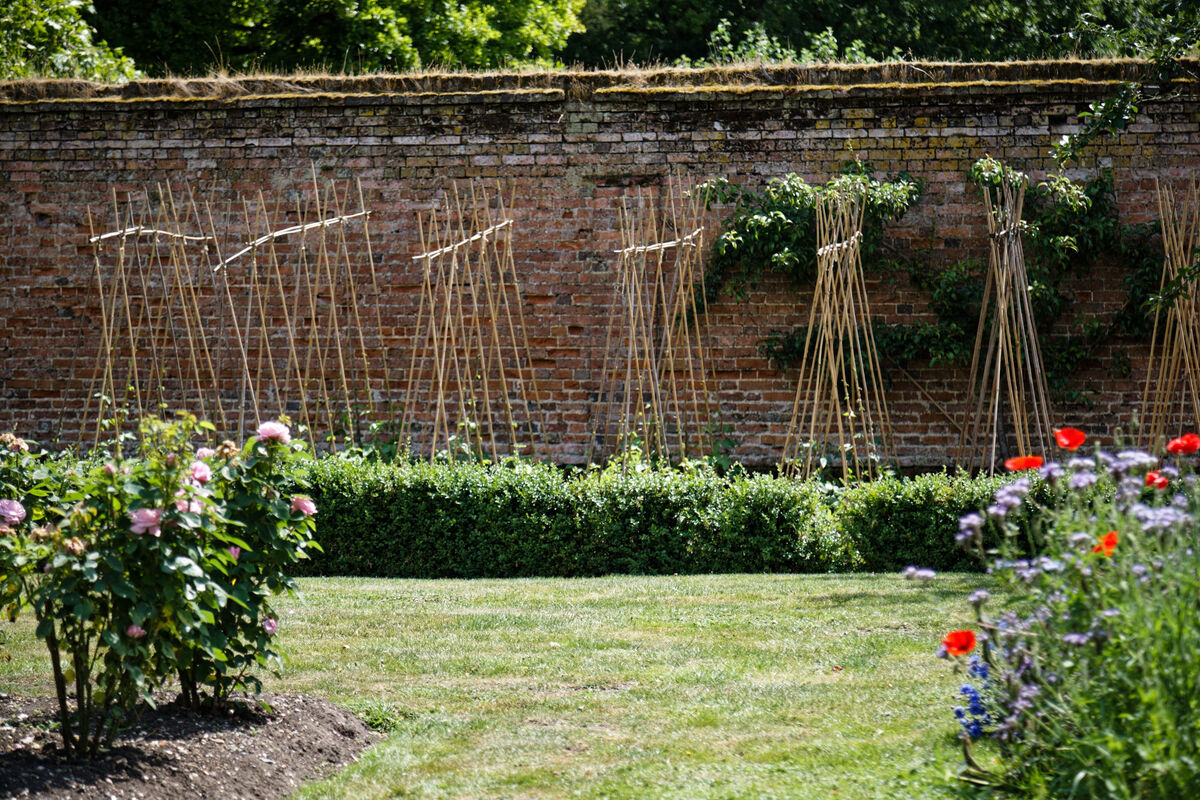
Mixed vegetable bed. High demand at fruiting; consider seasonal Kc override.
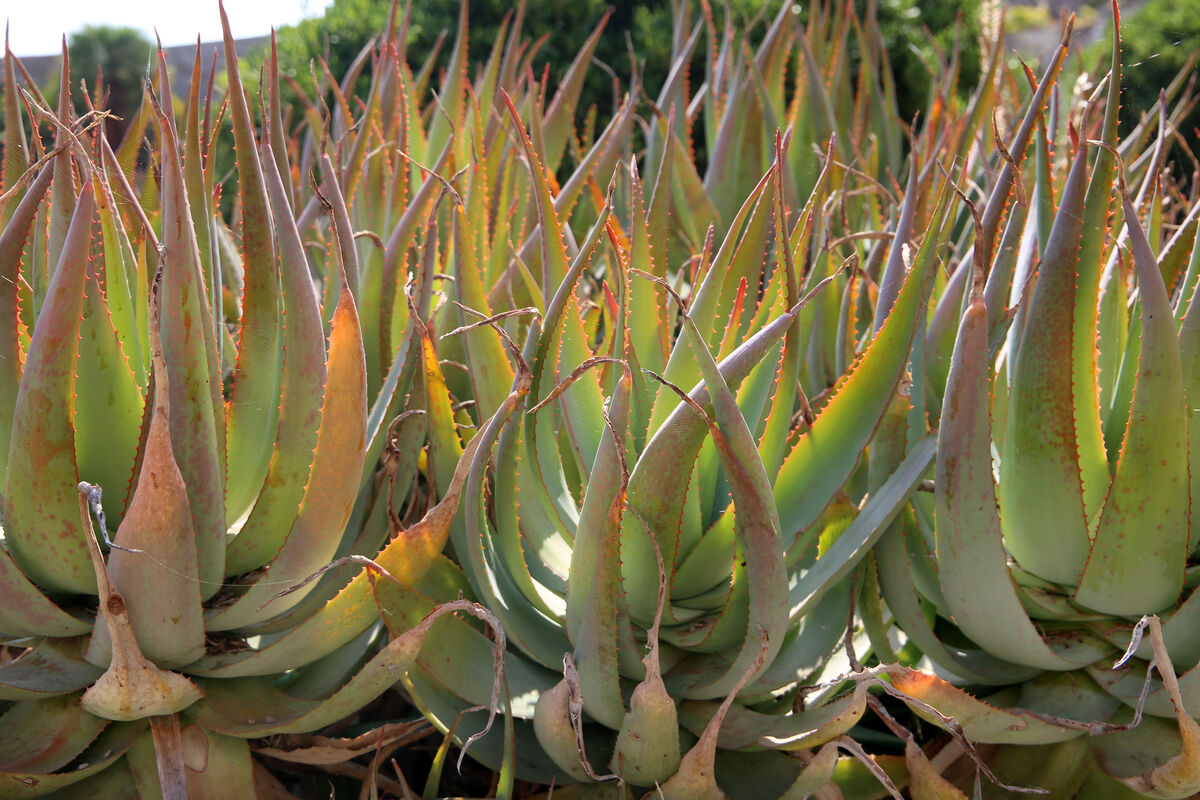
Native + xeriscape plantings. Minimal supplemental irrigation; long soak cycles.

Generic placeholder. Override per zone with measured values.
Zones can be added after the wizard via /settings/zones. The dashboard renders empty until at least one zone is configured.